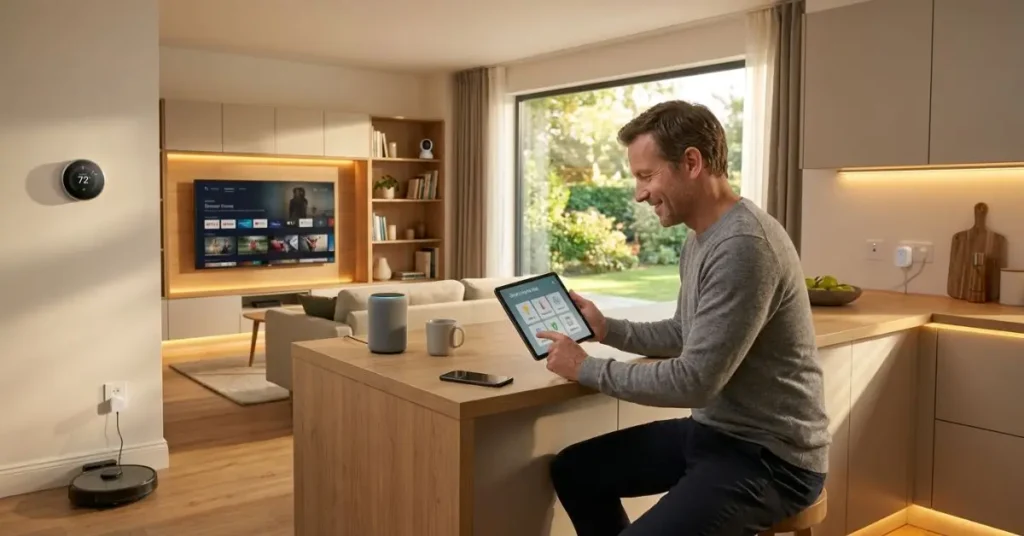

Smart Home Tech
Not long ago, controlling your home’s lights, locks, and thermostat from your phone felt like something out of a sci-fi movie. Today, it’s something millions of people do before they get out of bed.
But if you’re new to this space, the options can feel overwhelming. Which devices are actually worth it? Where do you even start? And is it really as useful as everyone says?
Smart home tech refers to internet-connected devices and systems that allow you to monitor, control, and automate various functions in your home — including lighting, heating, security, and appliances — typically through a smartphone app or voice assistant.
This guide walks you through exactly how it all works, which categories matter most, and how to build a setup that genuinely improves your daily life.
Quick Summary
Smart home technology is more accessible and affordable than most people think. You don’t need to automate everything at once. Start with one or two devices that solve a real problem in your home, and build from there. This guide shows you how.
How Smart Home Tech Actually Works
Every smart home setup relies on three basic components.
Devices — the physical products like bulbs, locks, cameras, or thermostats that connect to your home network.
A hub or ecosystem — the platform that connects and controls all your devices. The most common are Amazon Alexa, Google Home, and Apple HomeKit.
Your smartphone or voice assistant — how you interact with everything, whether through an app or by speaking out loud.
The devices connect to your home Wi-Fi (or sometimes Bluetooth or Zigbee, a short-range wireless protocol). Once connected, you can control them remotely, set schedules, and create automations — like turning off all your lights when you leave the house.
The key thing to understand before buying anything: pick one ecosystem and stick with it. Mixing Alexa devices with Apple HomeKit products creates compatibility headaches. Decide early which platform fits your life, then shop within it.
Smart Lighting — The Best Place to Start
If you’re new to home automation, smart lighting is the most practical entry point. It’s affordable, easy to install, and immediately useful.
Smart bulbs like Philips Hue or LIFX screw into your existing fixtures and connect to your Wi-Fi. From there, you can control them with your phone or voice, set schedules, adjust brightness, and even change colors.
A common setup in homes across the US: smart bulbs in the living room and bedroom, set to dim automatically at 9 PM and turn off completely at midnight. No more getting up to hit the switch. No more lights left on all night.
Average cost: $10–$50 per bulb depending on brand and features.
The real value isn’t just convenience — smart lighting can reduce electricity use by up to 30–40% compared to traditional incandescent bulbs, according to the U.S. Department of Energy.
Smart Thermostats — Save Money on Autopilot
A smart thermostat is one of the few connected home devices that genuinely pays for itself.
The Nest Learning Thermostat and Ecobee are the two most popular options in the US, UK, and Canada. Both learn your schedule over time and adjust the temperature automatically. Both can be controlled remotely from your phone — so if you leave work early, you can have your home warmed up before you walk in the door.
The Ecobee, for example, includes room sensors that detect which rooms are actually occupied and heats or cools only those areas — not empty rooms.
Average savings: $130–$180 per year on heating and cooling bills, according to Energy Star.
Average cost: $150–$250 installed.
That means most smart thermostats pay for themselves within one to two years — and keep saving money after that.
Home Security — Cameras, Locks, and Doorbells
This is the category that gets the most attention, and for good reason. Knowing what’s happening at your front door or inside your home while you’re away is genuinely valuable.
Smart Doorbells
The Ring Video Doorbell and Google Nest Doorbell are the market leaders. Both let you see, hear, and speak to whoever’s at your door — from anywhere in the world. Motion alerts notify you when someone approaches, even if they don’t ring the bell.
For families in suburban neighborhoods, this is one of the most practical smart home upgrades available.
Average cost: $100–$250
Smart Locks
Smart locks replace your traditional deadbolt with a keypad or app-controlled lock. Brands like Schlage, August, and Yale are reliable and widely compatible.
The practical benefit: you never need to worry about lost keys. You can give temporary access codes to houseguests, dog walkers, or contractors — and revoke them when they’re no longer needed.
Average cost: $100–$300
Indoor and Outdoor Cameras
Cameras from Arlo, Ring, or Wyze cover everything from basic indoor monitoring to weatherproof outdoor surveillance. Most come with cloud storage for recorded footage, though subscription fees often apply.
Average cost: $30–$200 per camera
Smart Speakers and Voice Assistants
The Amazon Echo and Google Nest Hub are the most popular voice assistant devices in US homes. They work as the control center for everything else — you can ask them to adjust the thermostat, turn off lights, play music, set timers, or check the weather.
If you’re deep in the Amazon ecosystem (Prime, Kindle, Fire TV), an Echo makes sense. If you’re a Google user, a Nest device integrates more naturally with your existing apps and services.
Apple HomePod is the choice for iPhone users who want the tightest privacy controls and the smoothest integration with Apple devices.
None of these are essential — you can control smart home devices through apps alone. But voice control adds a level of convenience that most users find genuinely useful after a few weeks.
Average cost: $30–$200 depending on model and display size
Smart Appliances — Worth It or Overkill?
Smart refrigerators, ovens, washing machines, and dishwashers exist — and some of them are genuinely useful. But this is the category where you should be most cautious.
A smart washing machine that sends you a notification when your laundry is done? Useful. A smart refrigerator with a built-in touchscreen that costs $3,000 more than a standard model? Probably overkill for most households.
The honest take: Focus on smart appliances that solve a real problem you actually have. If you regularly forget about laundry or need to preheat your oven remotely, smart appliances make sense. If not, stick to the basics and spend your budget on lighting, security, or a thermostat.
Privacy and Security — What You Should Know
This is the part most smart home guides skip over. It matters.
Every connected device in your home is a potential entry point for hackers if not properly secured. Here’s how to protect yourself:
Use strong, unique passwords for your Wi-Fi network and every device account. Never use default passwords.
Keep firmware updated. Manufacturers regularly release security patches. Enable automatic updates wherever possible.
Use a guest network. Set up a separate Wi-Fi network for your smart home devices, separate from the one your computers and phones use. This limits exposure if a device is compromised.
Be selective about microphone-enabled devices. Smart speakers are always listening for a wake word. If privacy is a concern, place them only in common areas — not bedrooms or home offices.
These aren’t reasons to avoid smart home technology. They’re just basic habits that keep your setup safe.
Building Your Setup: Where to Start
Don’t try to automate everything at once. That’s the fastest way to get frustrated and spend money on things you don’t actually use.
Week 1: Start with smart bulbs in one room. Get comfortable with the app and voice controls.
Week 2–4: Add a smart thermostat. Set a schedule and monitor your energy savings.
Month 2: Add a smart doorbell or lock if security is a priority.
Month 3 and beyond: Expand based on what’s actually adding value to your daily life.
This step-by-step approach keeps costs manageable and ensures every device you add has a clear purpose.
Quick Comparison: Most Popular Smart Home Devices
| Device | Top Brands | Avg. Cost (USD) | Best For |
|---|---|---|---|
| Smart Bulbs | Philips Hue, LIFX | $10–$50 each | Beginners, energy saving |
| Smart Thermostat | Nest, Ecobee | $150–$250 | Energy savings, comfort |
| Smart Doorbell | Ring, Google Nest | $100–$250 | Home security |
| Smart Lock | Schlage, August | $100–$300 | Keyless access, convenience |
| Smart Speaker | Amazon Echo, Google Nest | $30–$200 | Voice control hub |
| Security Camera | Arlo, Wyze, Ring | $30–$200 | Monitoring and surveillance |
Conclusion
Smart home technology isn’t about having the most gadgets. It’s about using the right ones to make your home more comfortable, efficient, and secure.
Start small. Add what genuinely helps. Skip what doesn’t solve a real problem in your life.
The best smart home is the one that works quietly in the background — saving you time and energy without demanding constant attention.
Frequently Asked Questions
What is smart home tech and how does it work?
Smart home tech is internet-connected devices that let you control your home’s lighting, heating, and security through a smartphone or voice assistant. Everything connects to your Wi-Fi and is managed through one app or ecosystem like Alexa or Google Home.
What smart home devices should I buy first?
Start with smart lighting or a smart thermostat. Both are affordable, easy to set up, and deliver real value from day one. Once you’re comfortable, add a smart doorbell or lock.
Is smart home technology worth the cost?
For most homeowners, yes. Smart thermostats and lighting pay for themselves through energy savings. Security devices add real peace of mind. Skip expensive smart appliances unless they solve a specific problem you actually have.
Which ecosystem is best — Alexa, Google, or Apple?
Alexa supports the widest range of devices. Google Home works best with Android users. Apple HomeKit offers the strongest privacy but suits iPhone users only. Pick one that fits your existing devices and stick with it.
Are smart home devices secure?
Yes, if you take basic steps. Use strong passwords, keep firmware updated, and put smart devices on a separate guest Wi-Fi network. Be thoughtful about where you place microphone-enabled speakers.